Part 91Receipts and trip costs
Receipts that read, sort and file themselves.
Snap or scan the receipt and you're done. GoFBO reads it, picks the category, files it to the right trip and matches it to the card statement. Nobody retypes amounts, so there are no typos, no wrong categories and no receipts lost in a shoebox.
How it works.
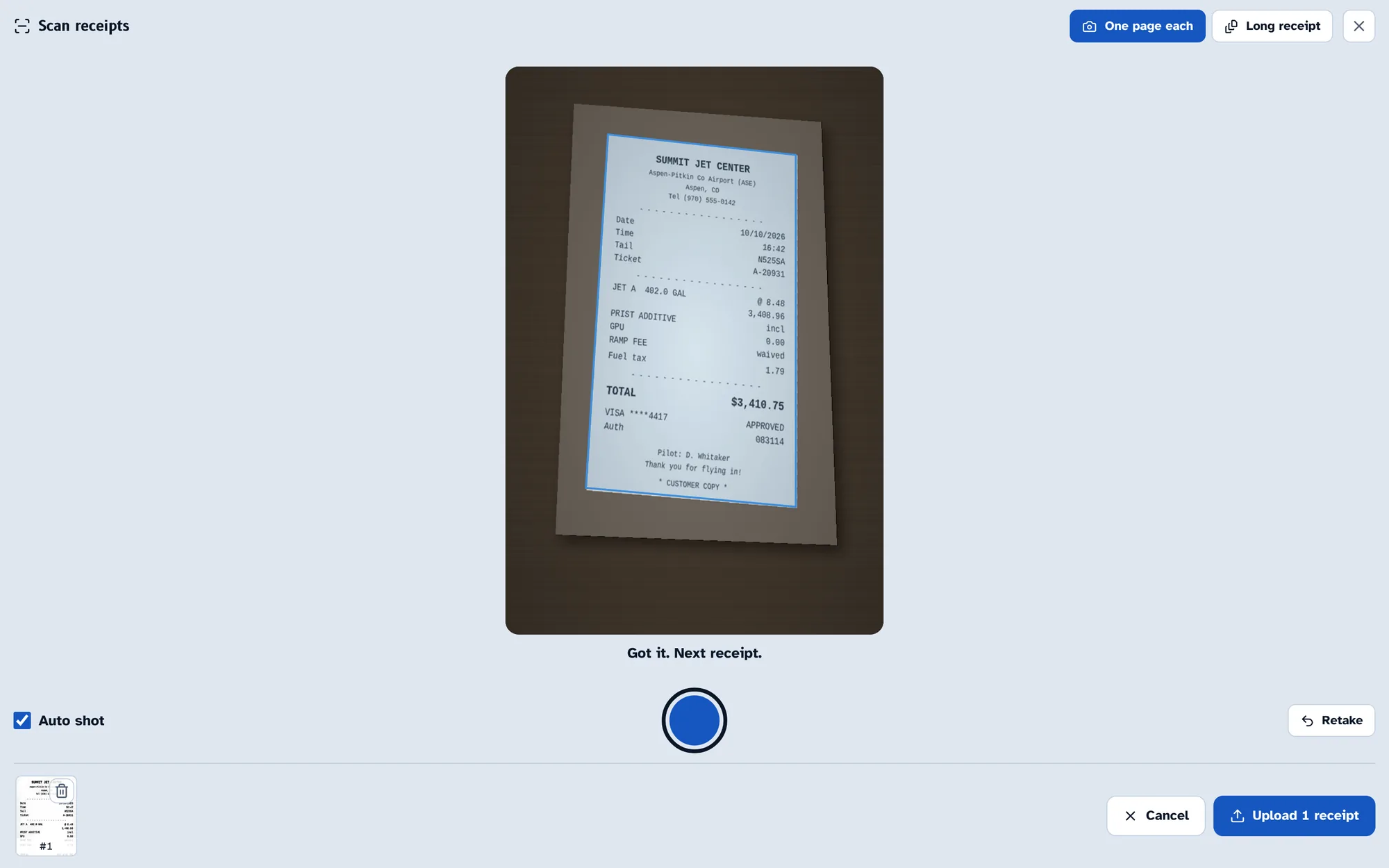
Snap it or scan a stack
Crew take a photo the moment they're handed the receipt. The camera finds the paper's edges and takes the picture by itself, and long fuel tickets become one PDF.
- One receipt or a whole stack at once
- Photos, PDFs and iPhone HEIC pictures
- Works from the phone, no app to install
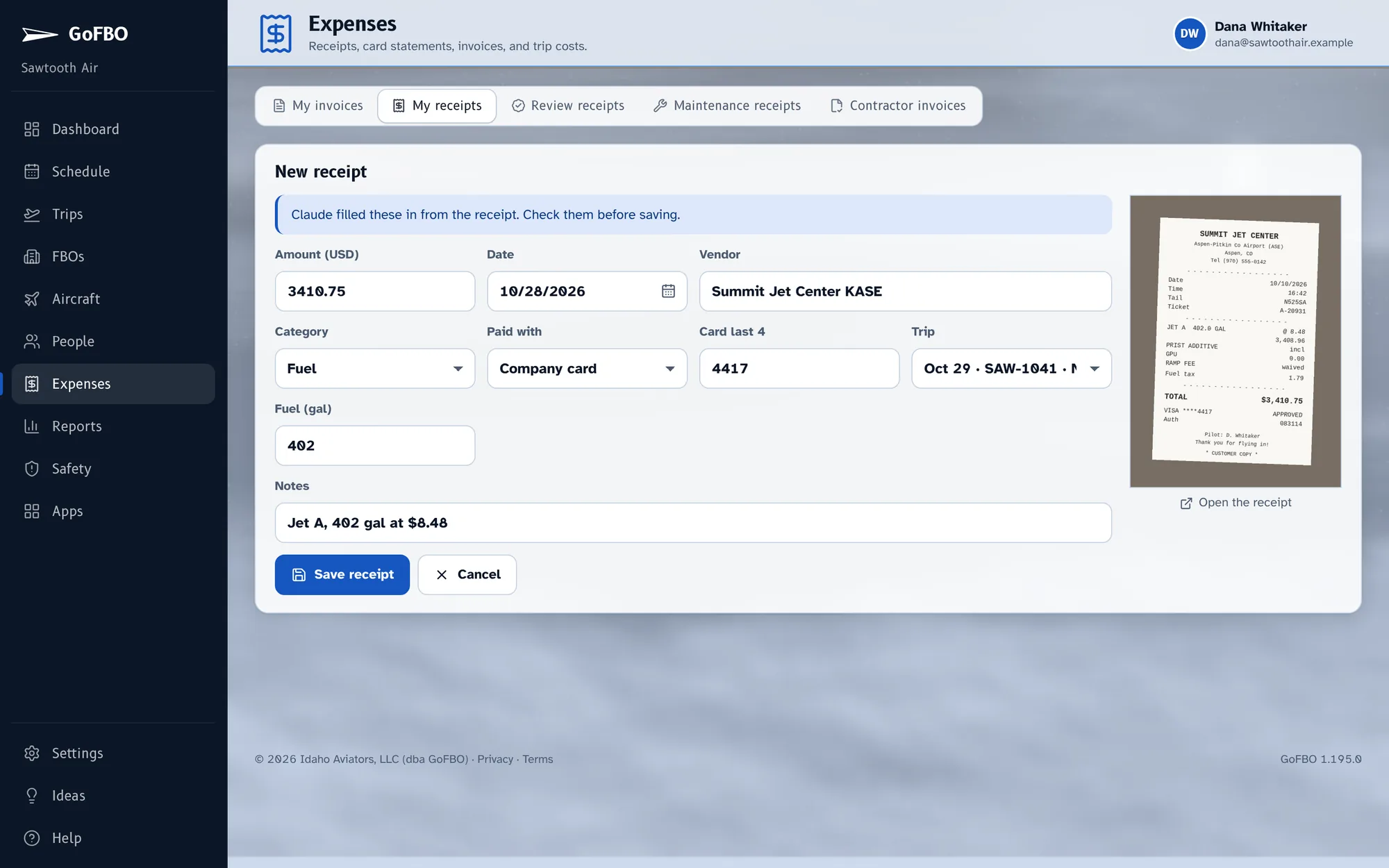
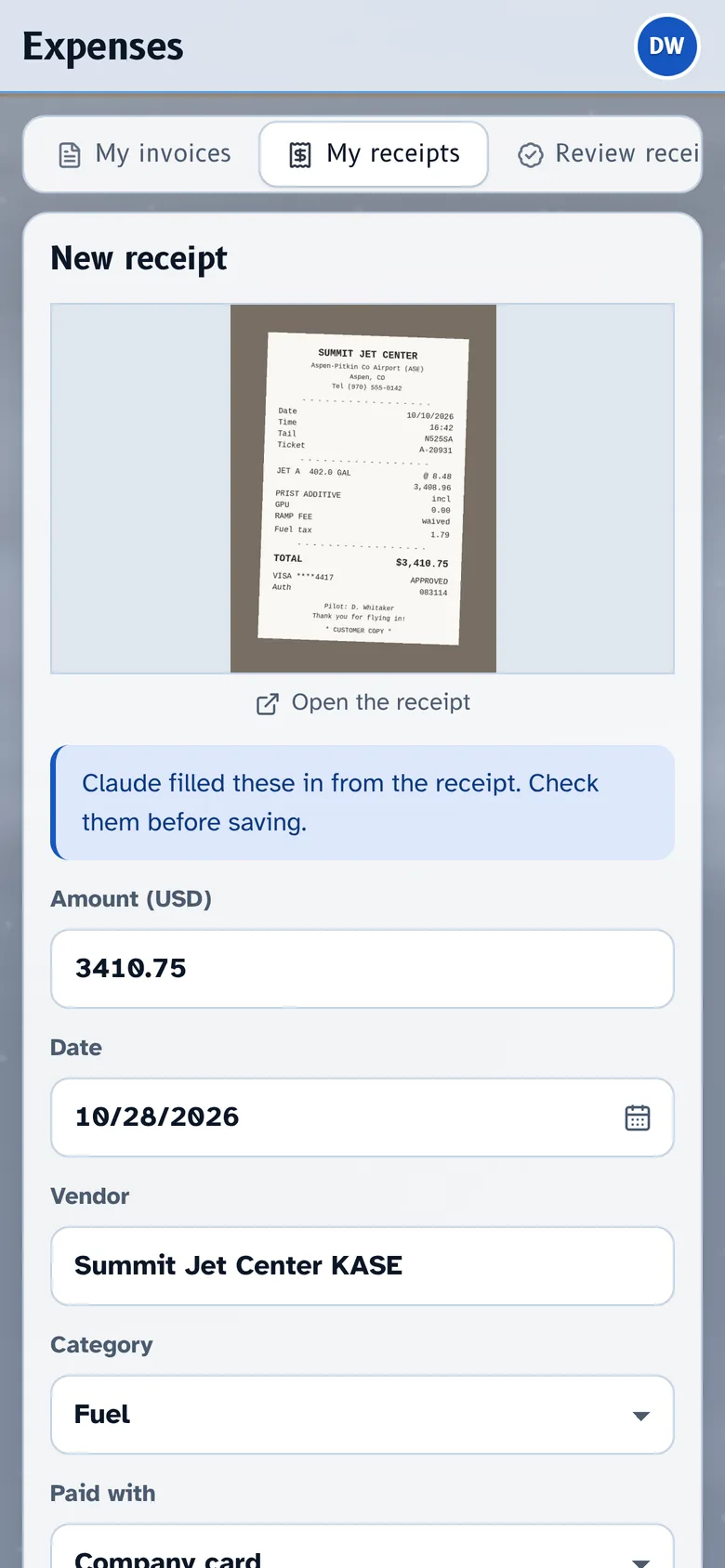
Read and categorized automatically
Every field is read from the receipt itself, not typed in by a tired pilot at midnight.
- Vendor, date, amount and the card it was paid with
- Gallons on fuel receipts
- Category chosen from your own expense categories
- Filed to the trip that covers that date
- Anything it can't read is flagged for review instead of guessed
Imported, matched and costed
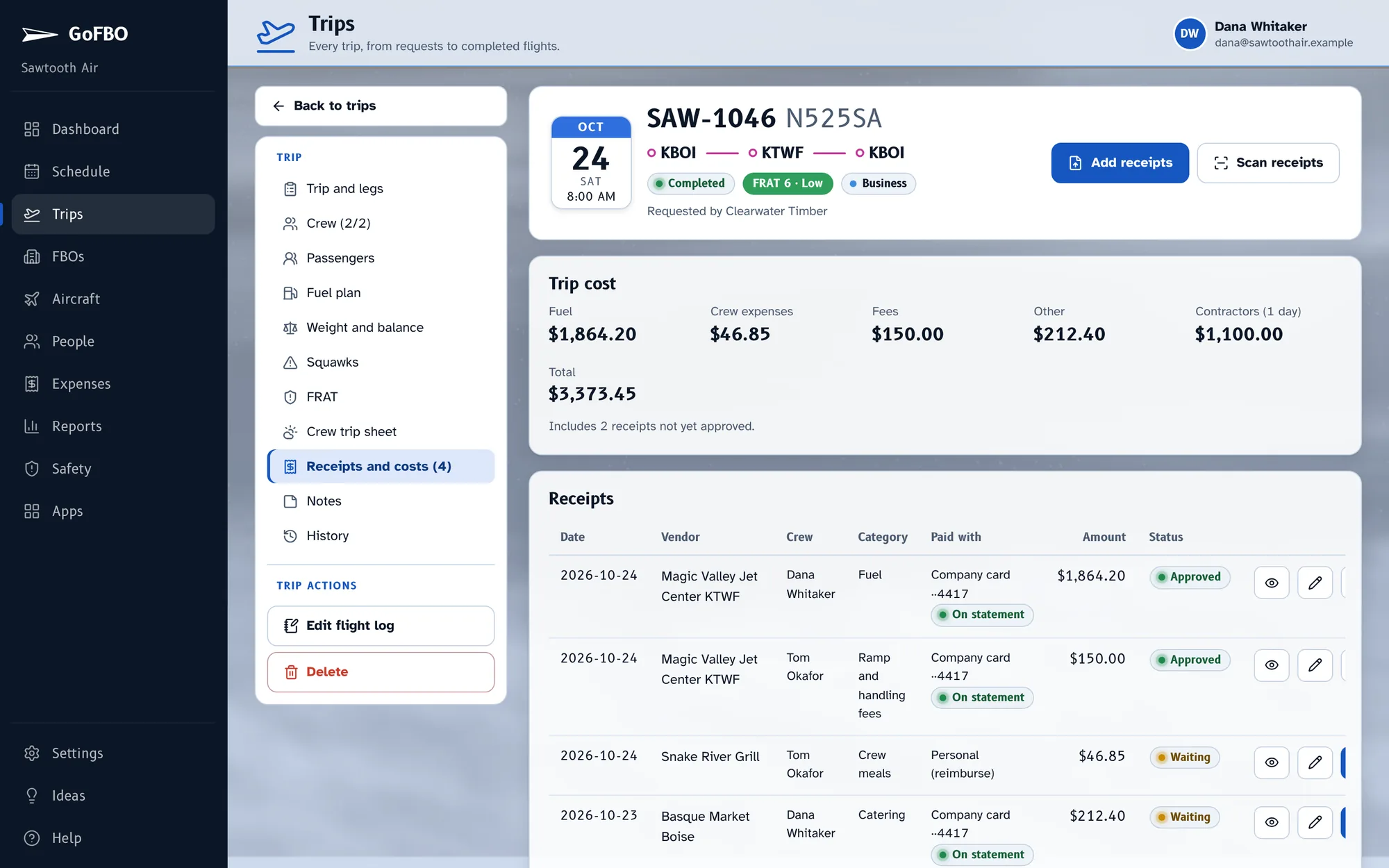
Import the company card statement and each charge is matched to its receipt, so the one that's missing stands out. Approve in a click, or skip the review entirely for clean reads.
- Fuel, fees and crew expenses roll into each trip's cost
- Owner statements built from the same receipts
- Costs by trip, aircraft, category and month
What's included.
- Automatic reading: vendor, date, amount, gallons, card
- Categorized for you
- Filed to the right trip
- No retyping, so no bad data
- Card statement import and matching
- Trip costs and owner statements
Works well with.
Start with your next trip.
Try GoFBO free for 30 days with every feature in the plan you pick. Set up your aircraft and crew in an afternoon and fly your next trip with it.
No card until the trial ends. If you don't add one, your account simply pauses, with everything saved.