Part 91Maintenance
Bring your CAMP due list. Maintenance keeps itself current.
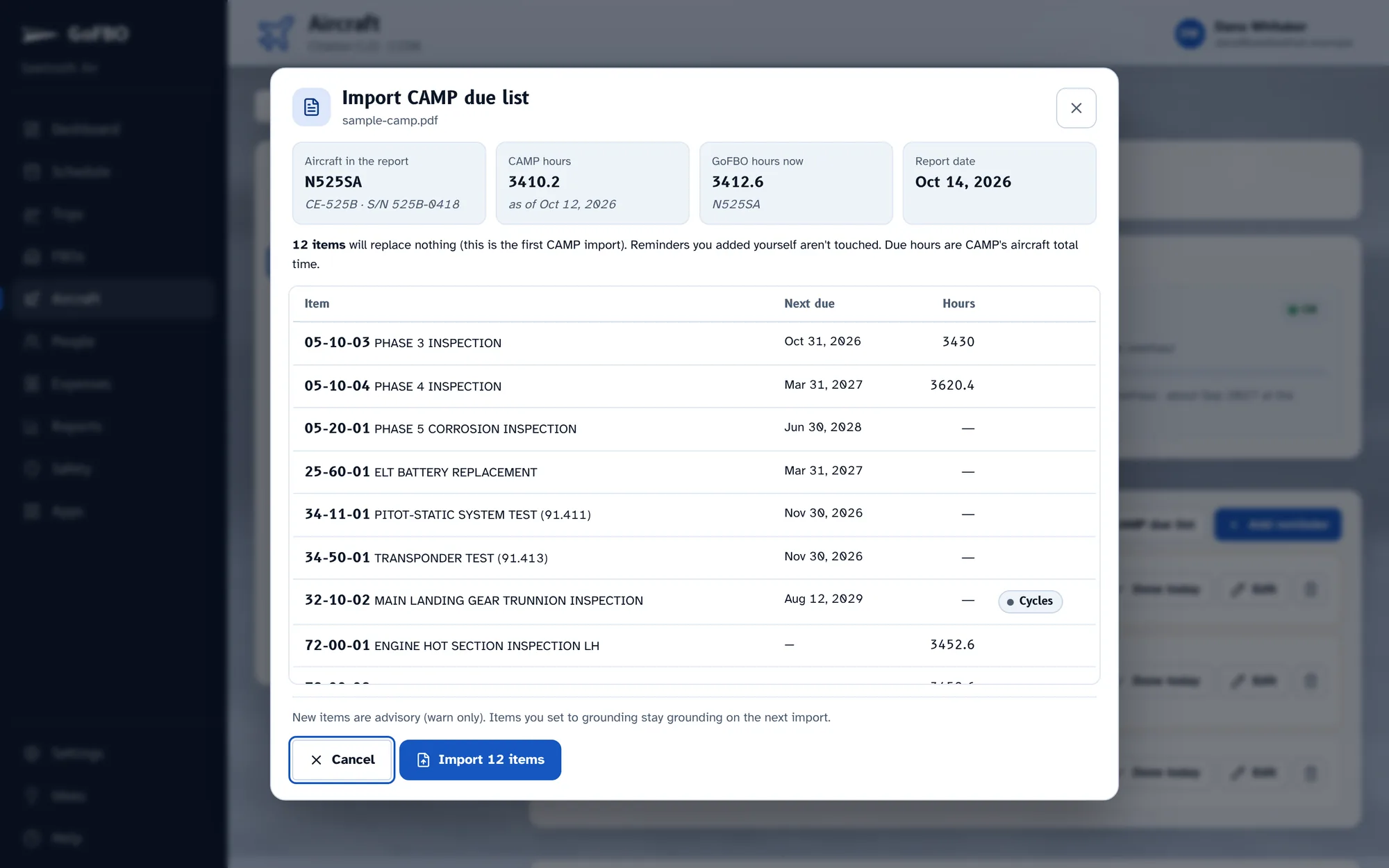
Import the CAMP due list you already have, PDF or Excel, and every inspection, AD and service bulletin is in GoFBO with its next due date and hours. From then on, every logged flight moves the hours, and anything coming due shows on the trips it affects.
How it works.
Import your CAMP due list
Drop in the Due List Report from CAMP. GoFBO reads it in your browser and shows you everything it found before anything is saved.
- Every item with its next due date and aircraft hours
- Intervals, last done, part and serial numbers kept in the notes
- Checks that the report is for this aircraft
- Items due only by cycles use CAMP's projected date
- Re-import any time: the last CAMP import is replaced, your own reminders stay
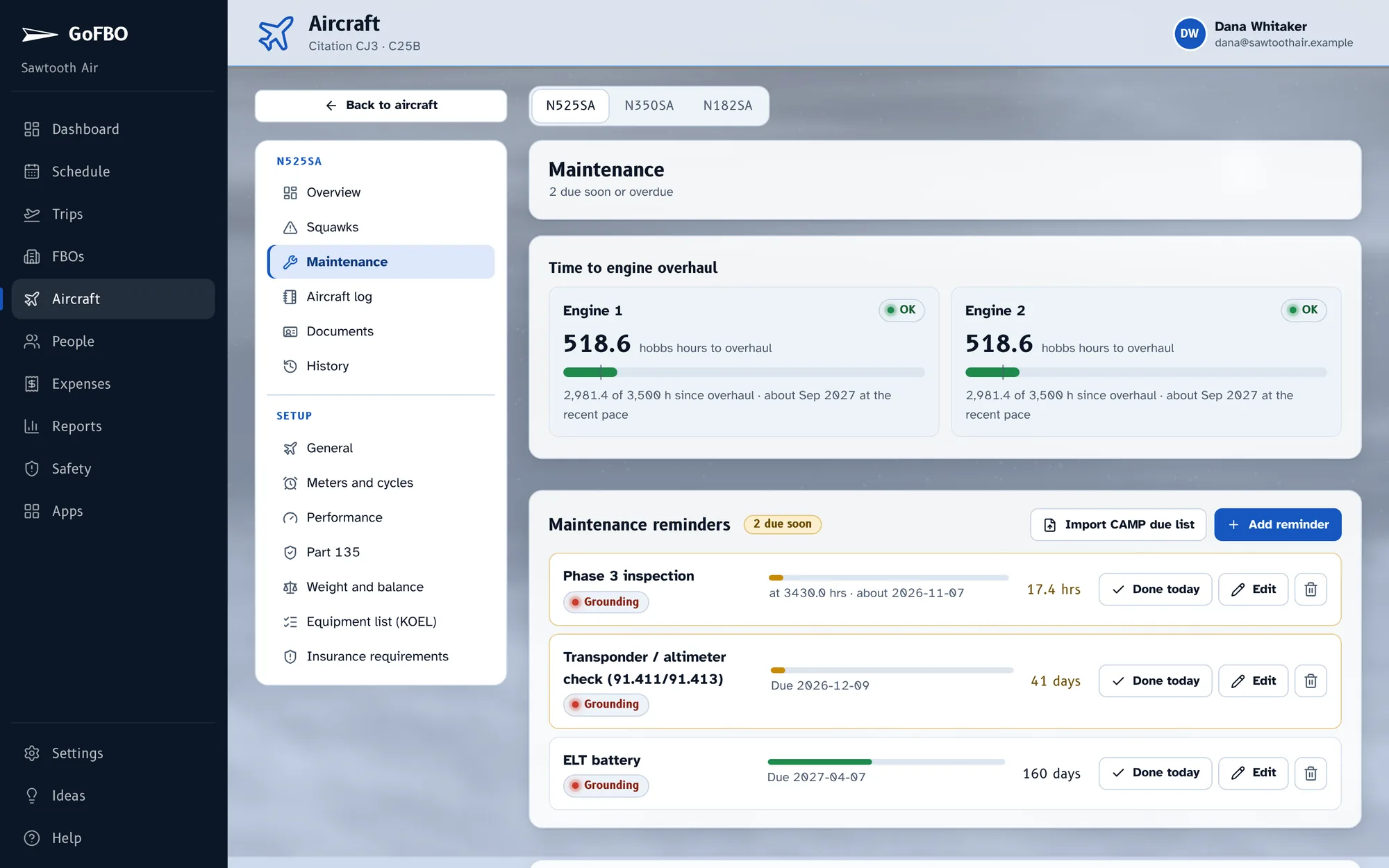
Watch what's coming due
Overdue first, then by what comes due soonest at the pace this aircraft actually flies. Grounding items take the aircraft out of service and warn on every trip they touch.
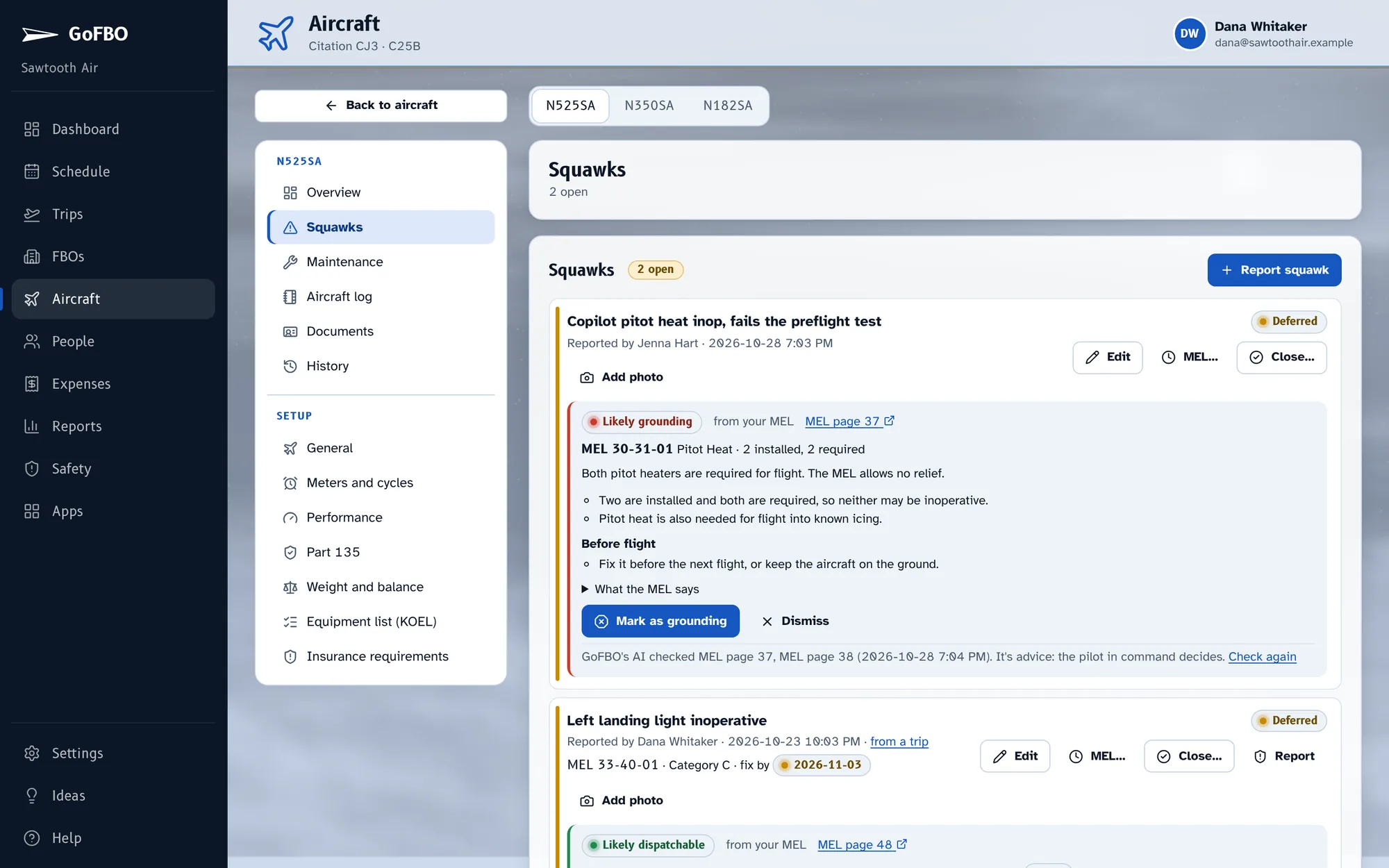
Write up squawks
Pilots write up discrepancies with photos from the ramp. Grounding squawks make the aircraft unavailable; deferrals carry their fix-by dates.
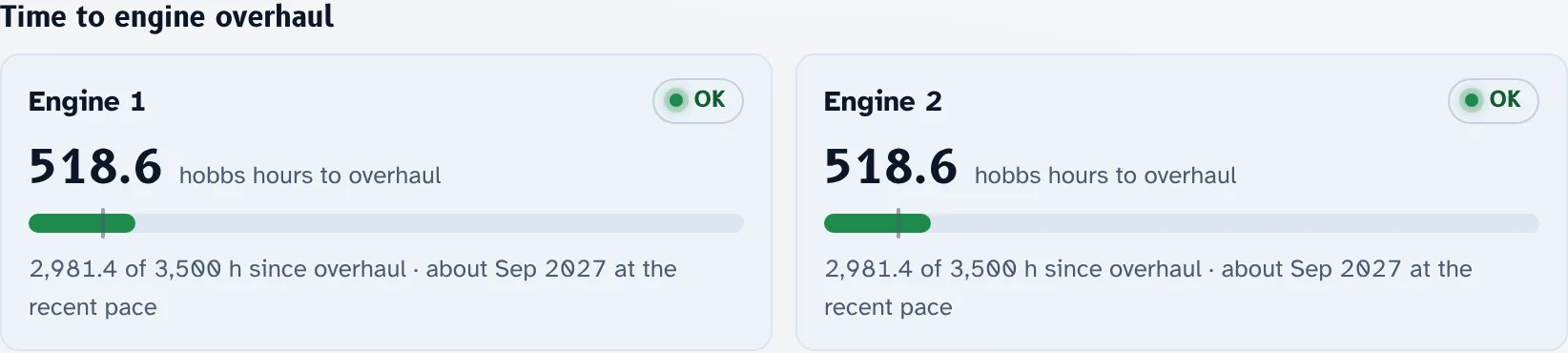
Watch engine time
Hours left to each engine's overhaul, projected at the pace you fly, updated by every flight log.
What's included.
- CAMP due-list import (PDF or Excel)
- Due-soon warnings on the trips they affect
- Squawks with photos
- Engine TBO projection
- Counters from the flight log
Works well with.
Start with your next trip.
Try GoFBO free for 30 days with every feature in the plan you pick. Set up your aircraft and crew in an afternoon and fly your next trip with it.
No card until the trial ends. If you don't add one, your account simply pauses, with everything saved.